


From Research Insights to Persona Definition
During the research phase, several patterns began to emerge regarding how beginners approach learning design skills and what challenges they face when navigating educational platforms. By analyzing discussions from learning communities, beginner design forums, and feedback from early-stage learners, a consistent set of frustrations, motivations, and behavioral patterns became visible. These insights helped define a representative learner profile that would guide the design of the platform.
Overwhelming amount of learning resources
Many beginners reported feeling lost due to the massive number of tutorials, tools, and courses available online. Without a clear starting point, learners often struggle to identify which resources are trustworthy or relevant.
Lack of practical learning guidance
Users frequently mentioned that tutorials explain tools but rarely demonstrate how those tools are applied in real-world projects.
Difficulty learning complex design tools
Many beginners struggle when first encountering professional design tools such as Figma or Adobe XD because tutorials often assume prior knowledge.
Low confidence when starting a new field
Early learners often experience imposter syndrome and compare their work to more experienced designers, which affects their motivation.
Limited time for learning
Students and early-career learners often balance studies, work, or internships, making it difficult to follow long or unstructured learning programs.
Synthesizing the Persona
Based on these patterns, a persona was created to represent the typical beginner entering the field of UX/UI design.
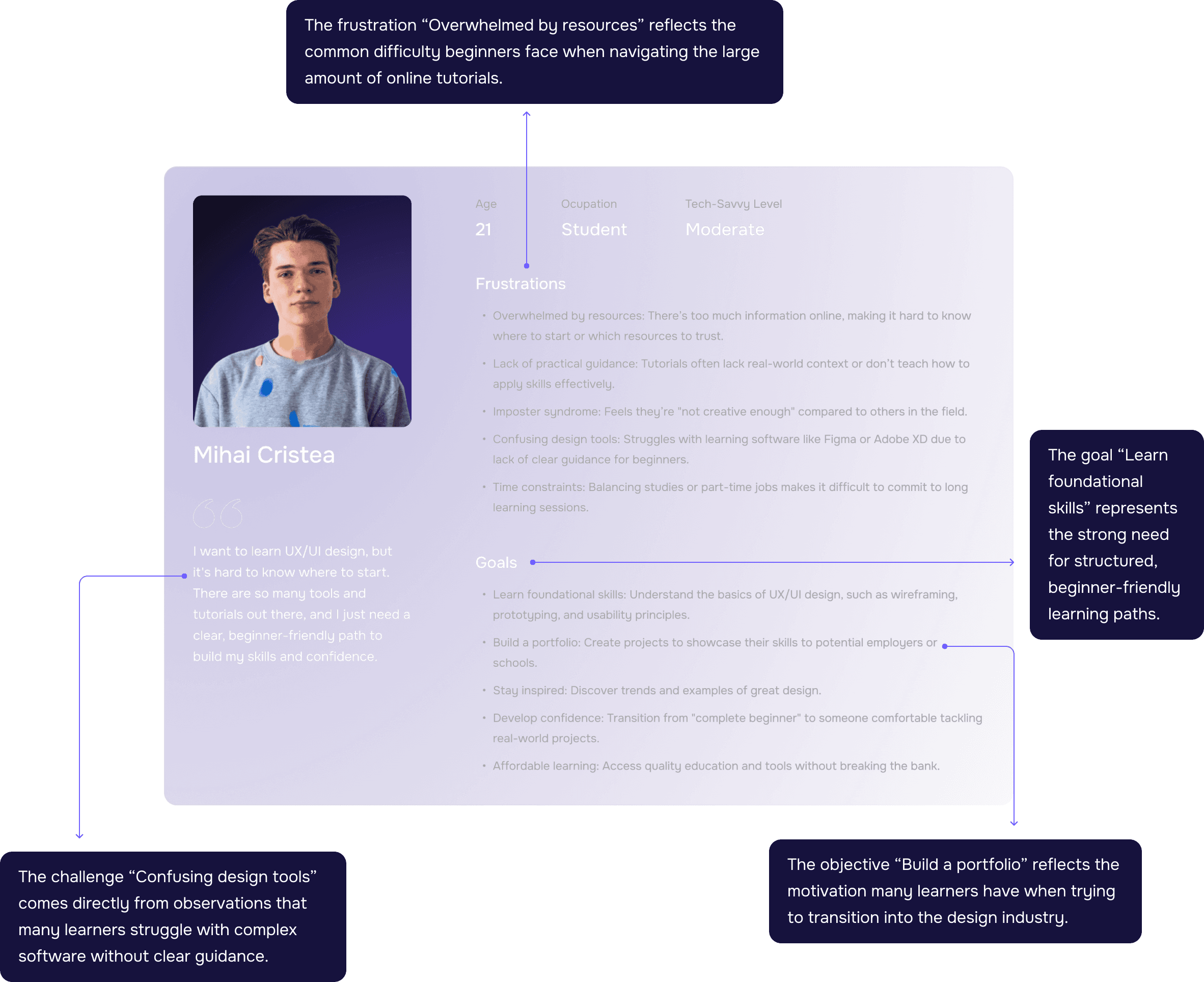
These insights were synthesized into the persona Mihai Cristea, a 21-year-old student with moderate technical experience who wants to learn UX/UI design but needs a clear, practical path to build skills and confidence.
Why This Persona Matters
The persona became a key reference throughout the design process. It helped ensure that the platform focused on:
Clear learning paths for beginners
Practical, project-based lessons
Simplified explanations of design tools
Structured course progression
Learning experiences that build confidence over time
By grounding the product decisions in real learner needs, the platform was designed to better support individuals who are just starting their journey in design.
Due to time constraints during the early discovery phase, a rapid competitive analysis was conducted within a single day to better understand the current landscape of online learning platforms.
The goal was not to perform an exhaustive market study, but to quickly identify patterns, strengths, weaknesses, and opportunity areas that could inform the direction of the product.
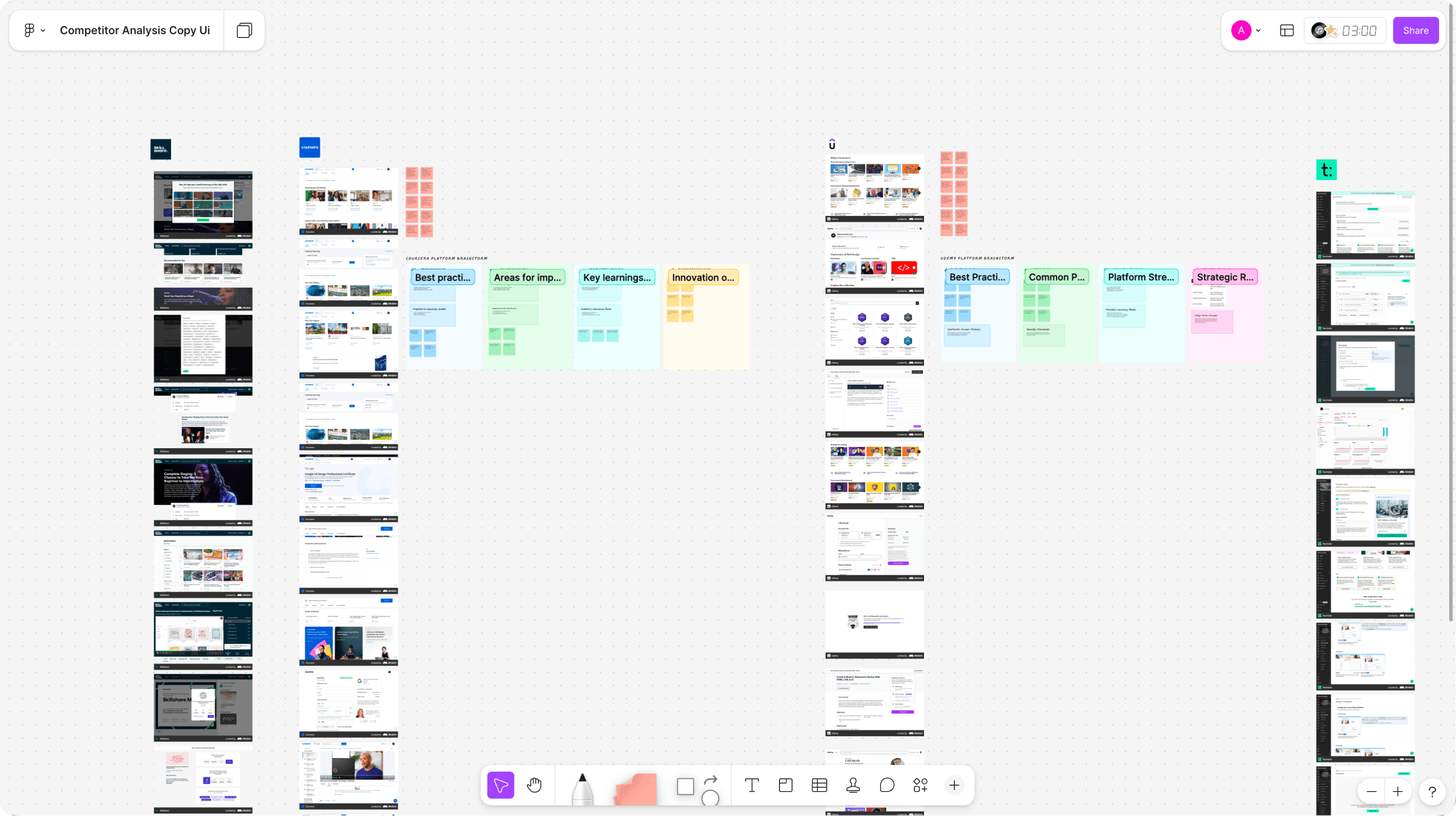
The analysis focused on several well-known platforms operating in the online education space, including Coursera, Udemy, Skillshare, Kajabi, Teachable, and Thinkific. Each platform was reviewed from both a student experience perspective and a course management perspective, evaluating how learning content is structured, how users navigate courses, and how instructors manage educational material.
During the review process, key screens and flows were mapped and analyzed, highlighting areas where the platforms perform well as well as aspects where the learning experience could be improved. Particular attention was given to course discovery, lesson structure, learning progression, and the administrative workflows used to create and manage courses.
This rapid analysis helped identify opportunity areas for designing a platform that offers clearer learning paths, more intuitive course navigation, and a more cohesive experience between the learning interface and the administration system.
These insights informed the design decisions made throughout the project.
The findings revealed several recurring patterns across platforms. While many platforms provide large course libraries and strong content delivery systems, the learning experience often lacks structured guidance for beginners. In addition, administrative systems for course creation tend to prioritize functionality over usability, making content management more complex than necessary.


Many platforms offer massive course libraries, but the experience can feel overwhelming for beginners.
Without a clear learning path, users often struggle to understand where to start or what the next logical step should be.
Courses frequently exist as independent units rather than as part of a structured progression.
This forces learners to manually search for the next relevant course instead of following a guided learning journey.
While platforms provide powerful course management tools, many admin environments are complex and operationally focused, making it harder for instructors to organize and scale their content efficiently.
Most platforms rely primarily on video-based lessons. While effective for delivering information, this approach often lacks interactive elements that help learners practice and apply new skills.
Many platforms invest heavily in marketing and brand presence, but once users enter the product, the visual identity and emotional tone become minimal and utilitarian.
Even though learning can benefit from collaboration and discussion, many platforms offer only basic community interaction through comments or Q&A sections.
The biggest barrier for new learners is not the lack of resources, but the lack of structure. Clear learning paths, contextual explanations, and progressive skill-building are more valuable than simply providing more tutorials.

Based on the competitive analysis, several opportunity areas were identified that could significantly improve the learning experience compared to existing platforms.

Clear learning paths instead of course marketplaces
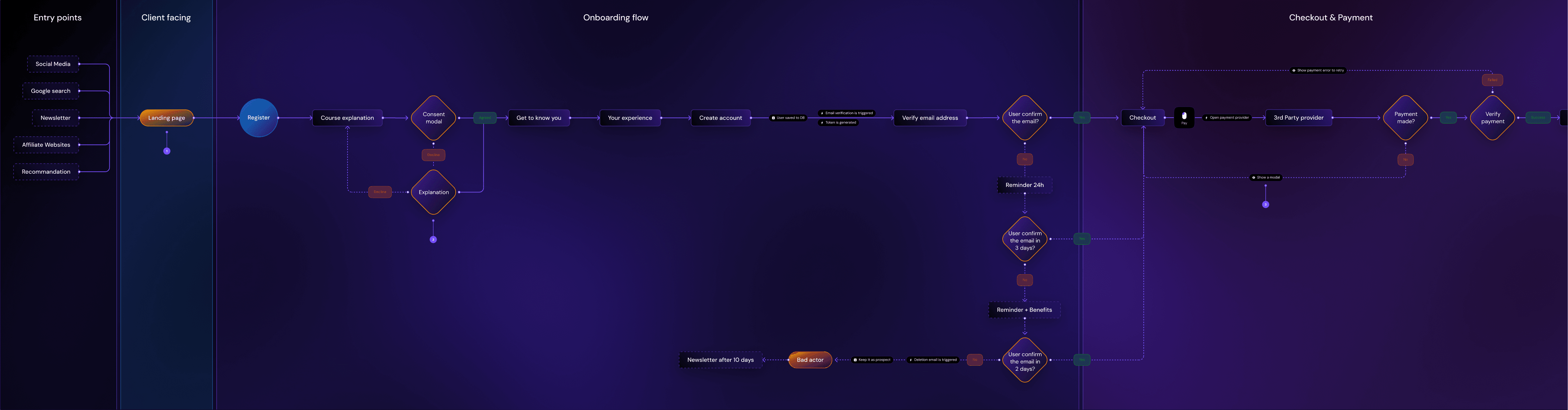
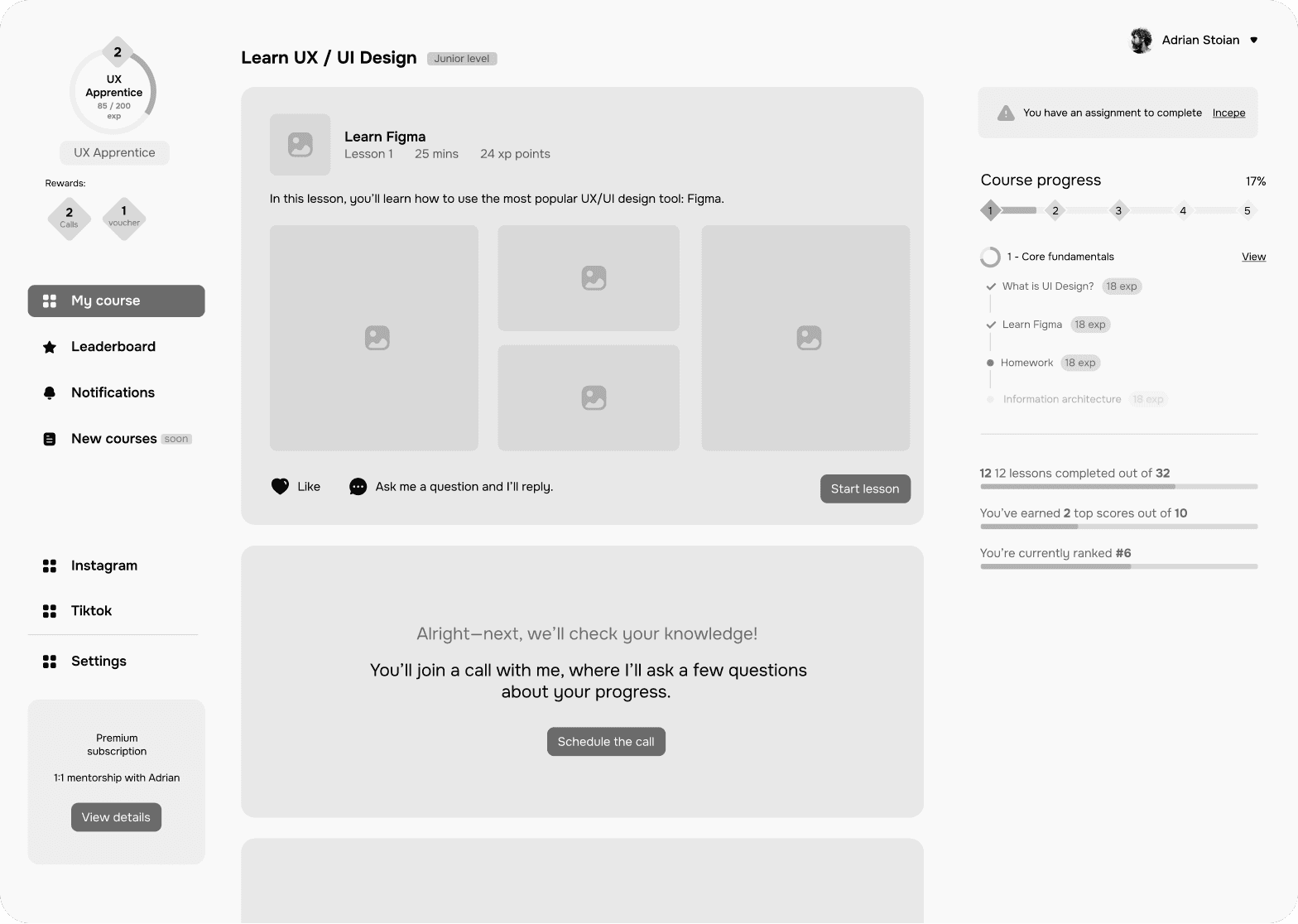
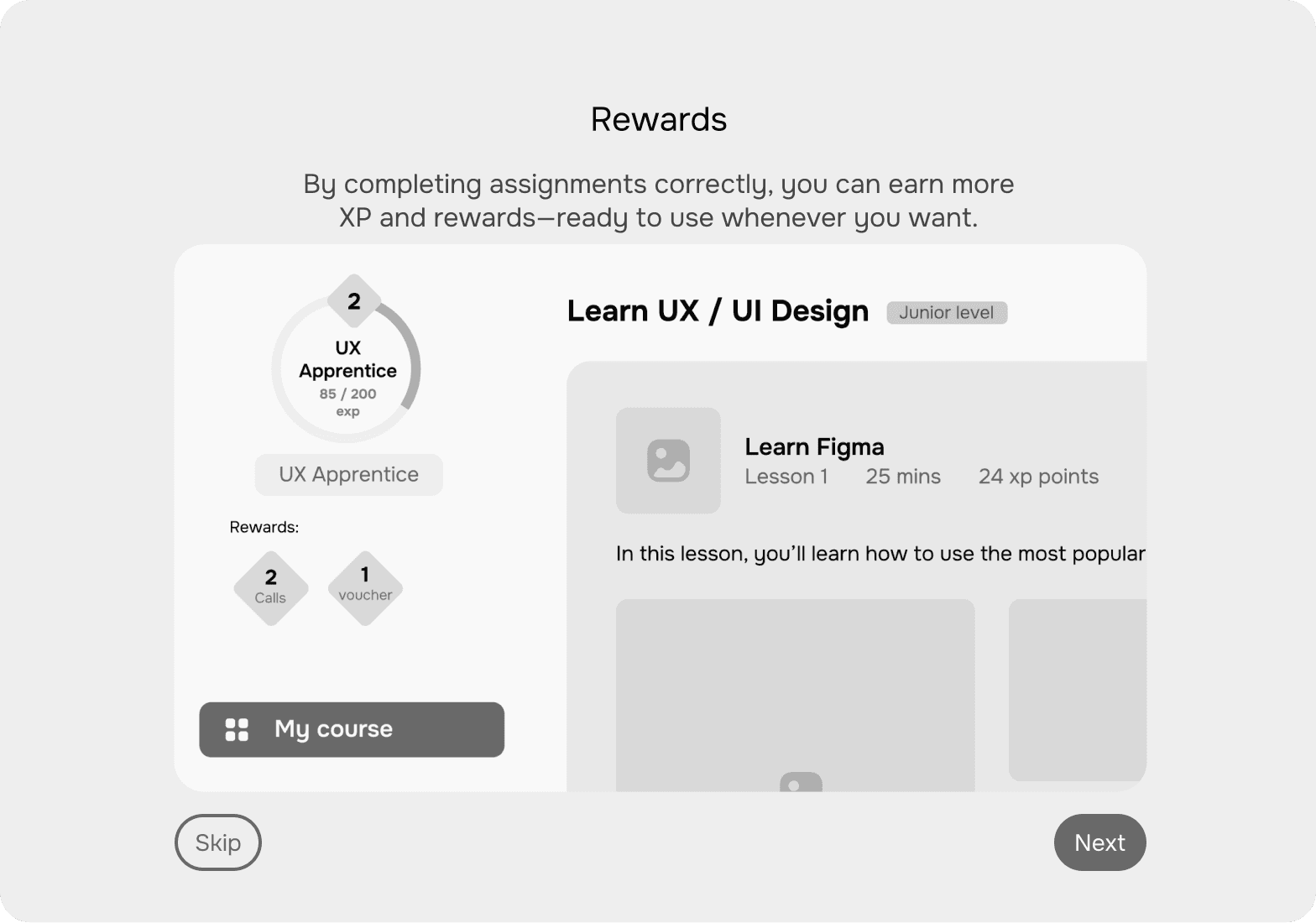
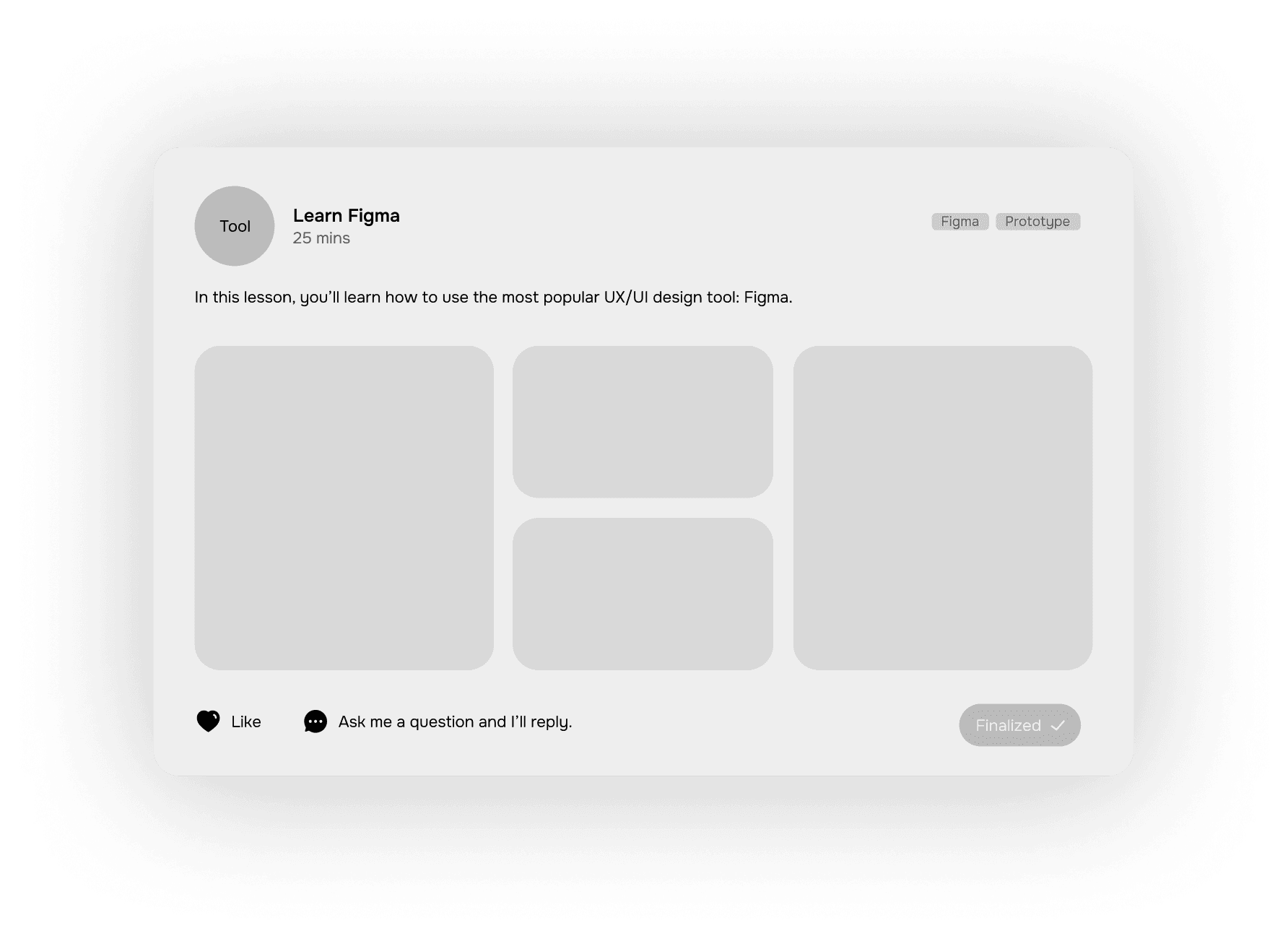
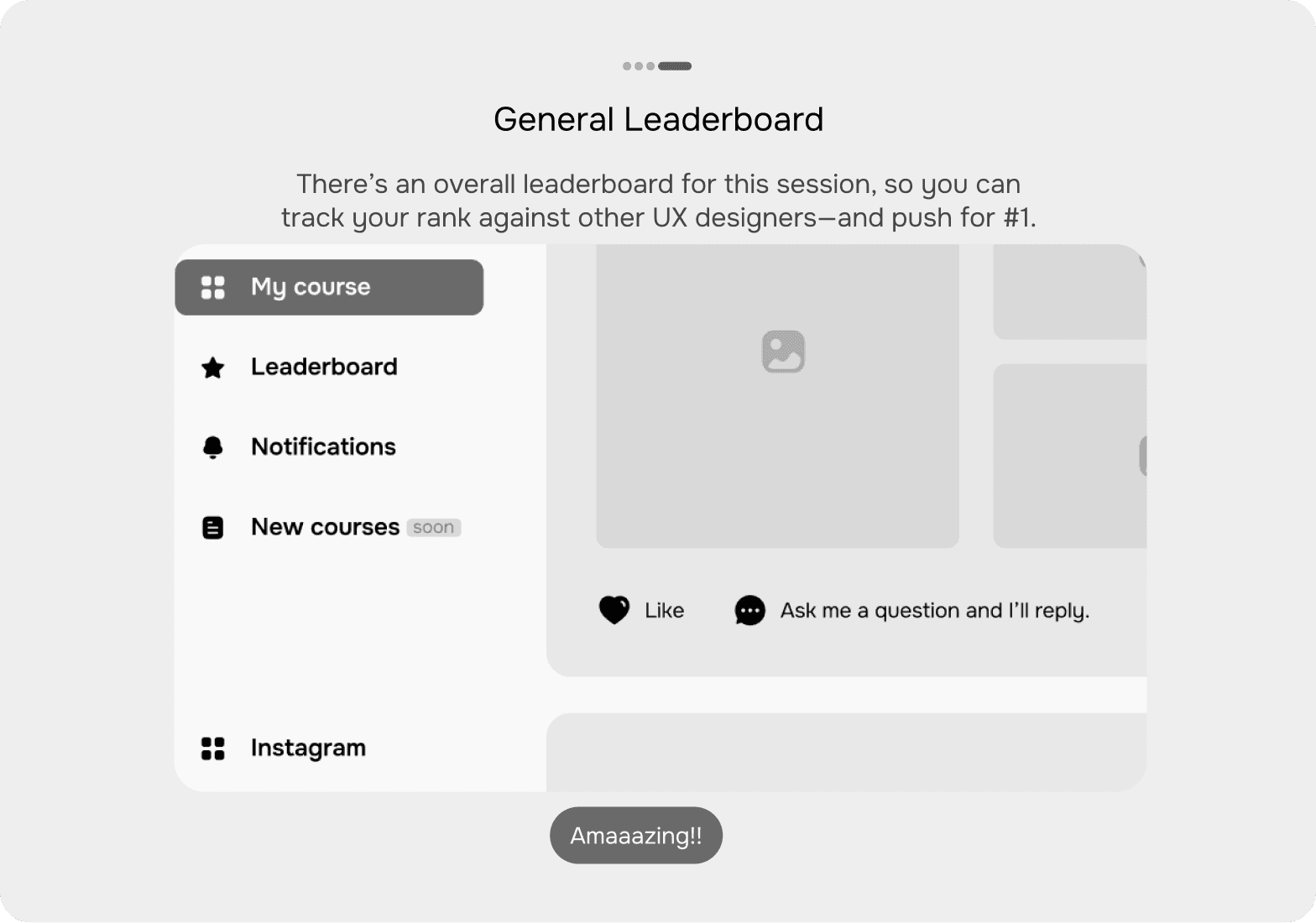

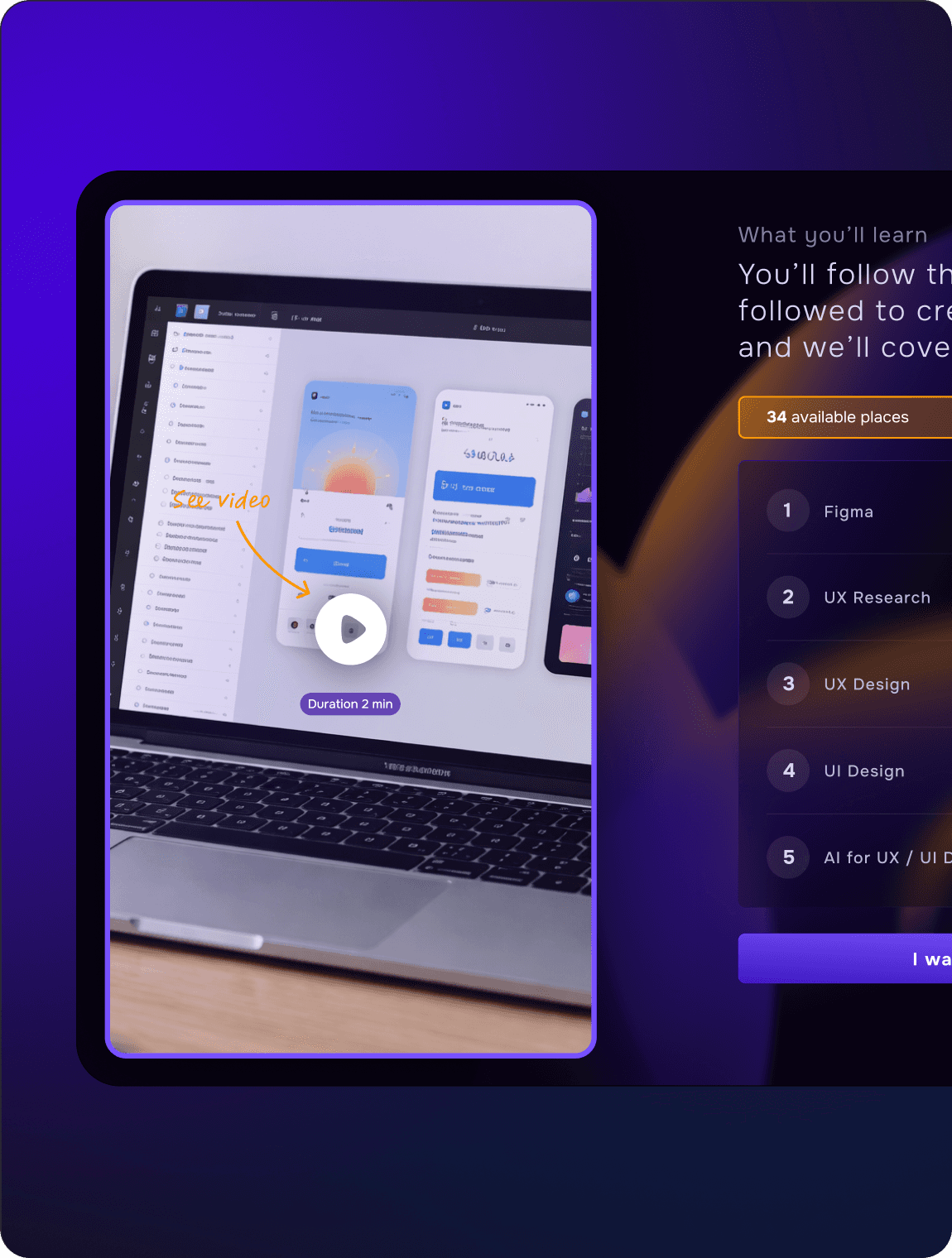
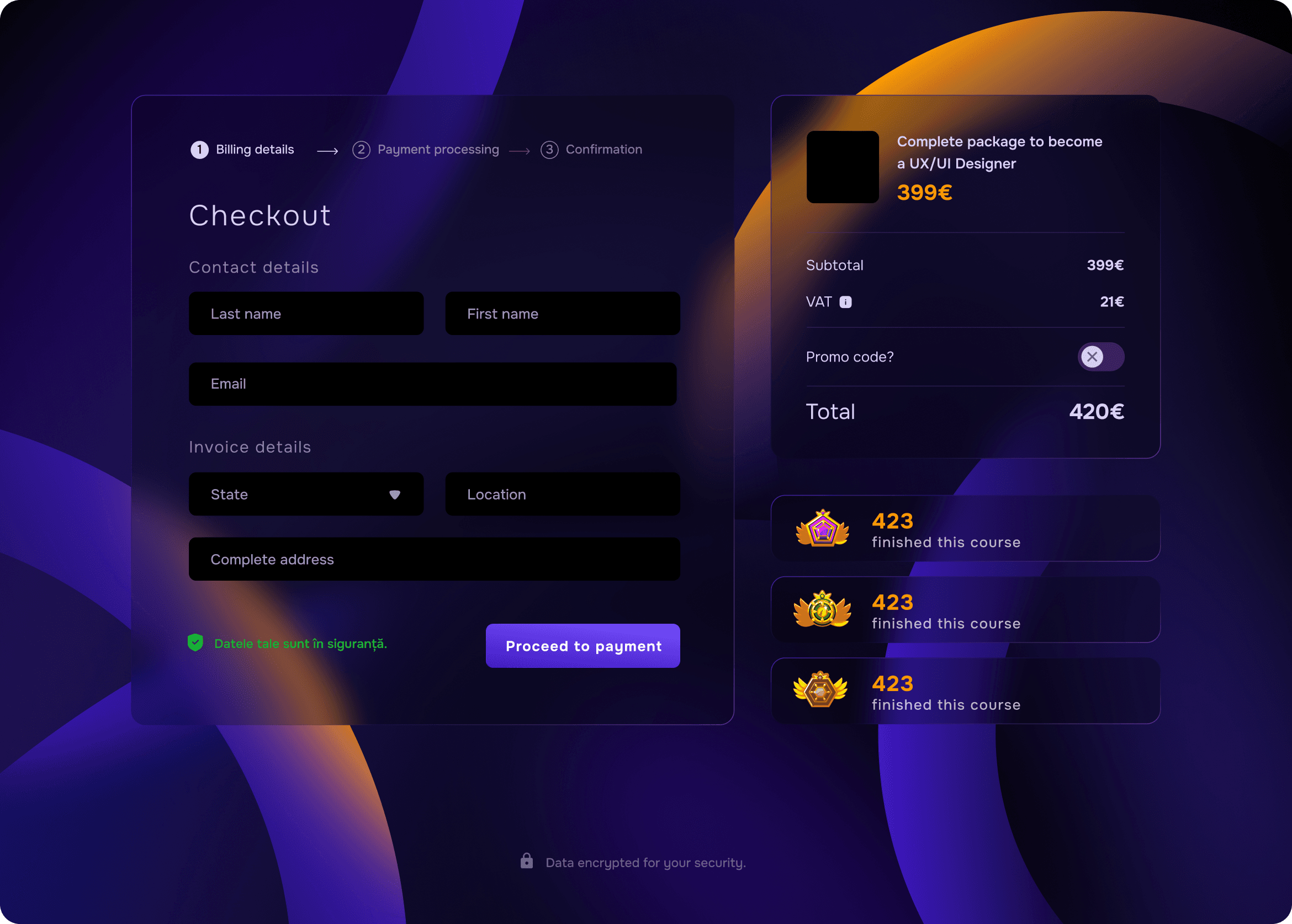
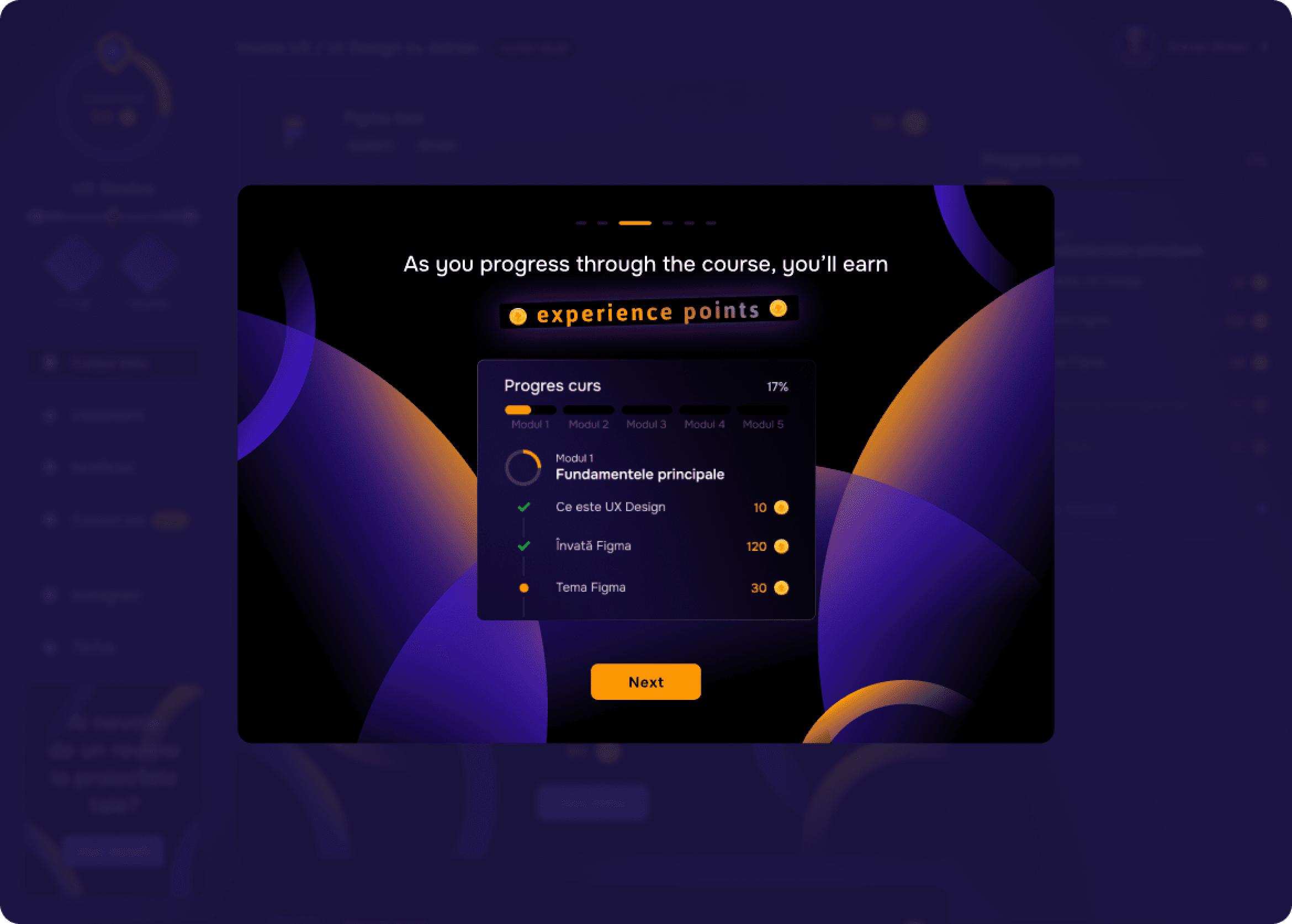
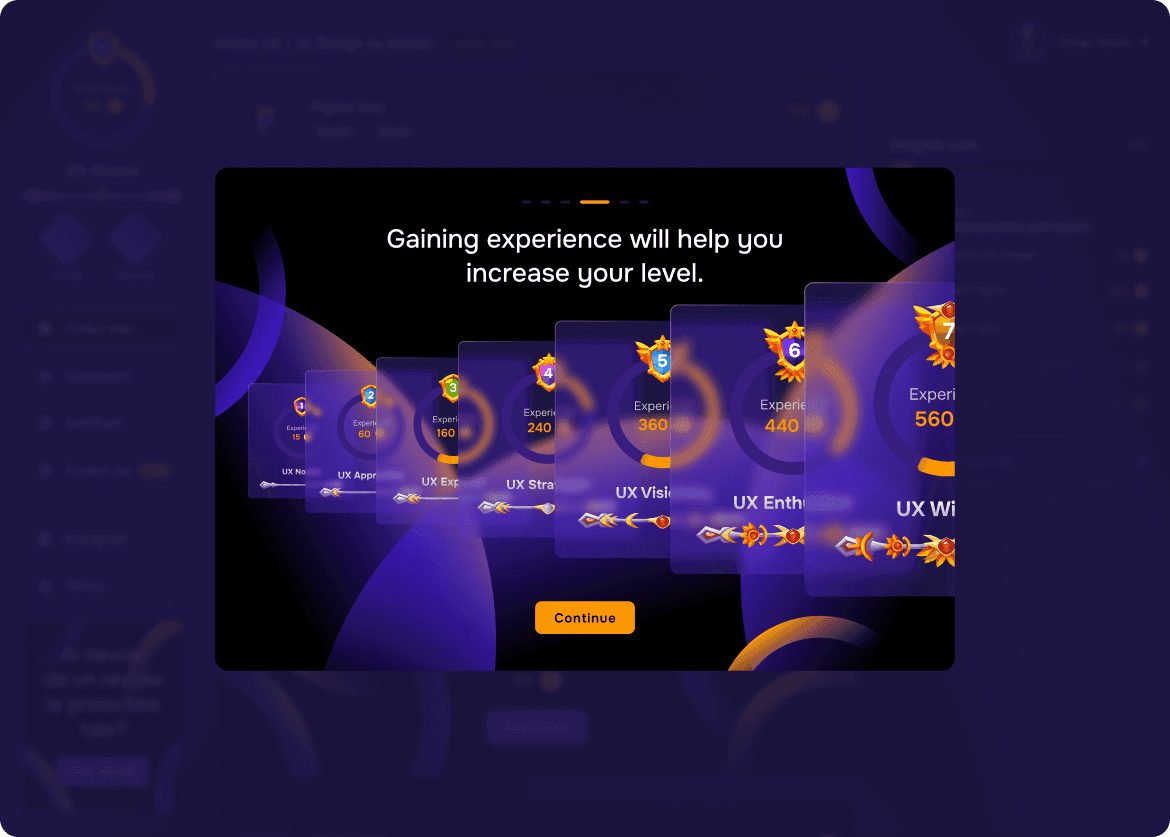
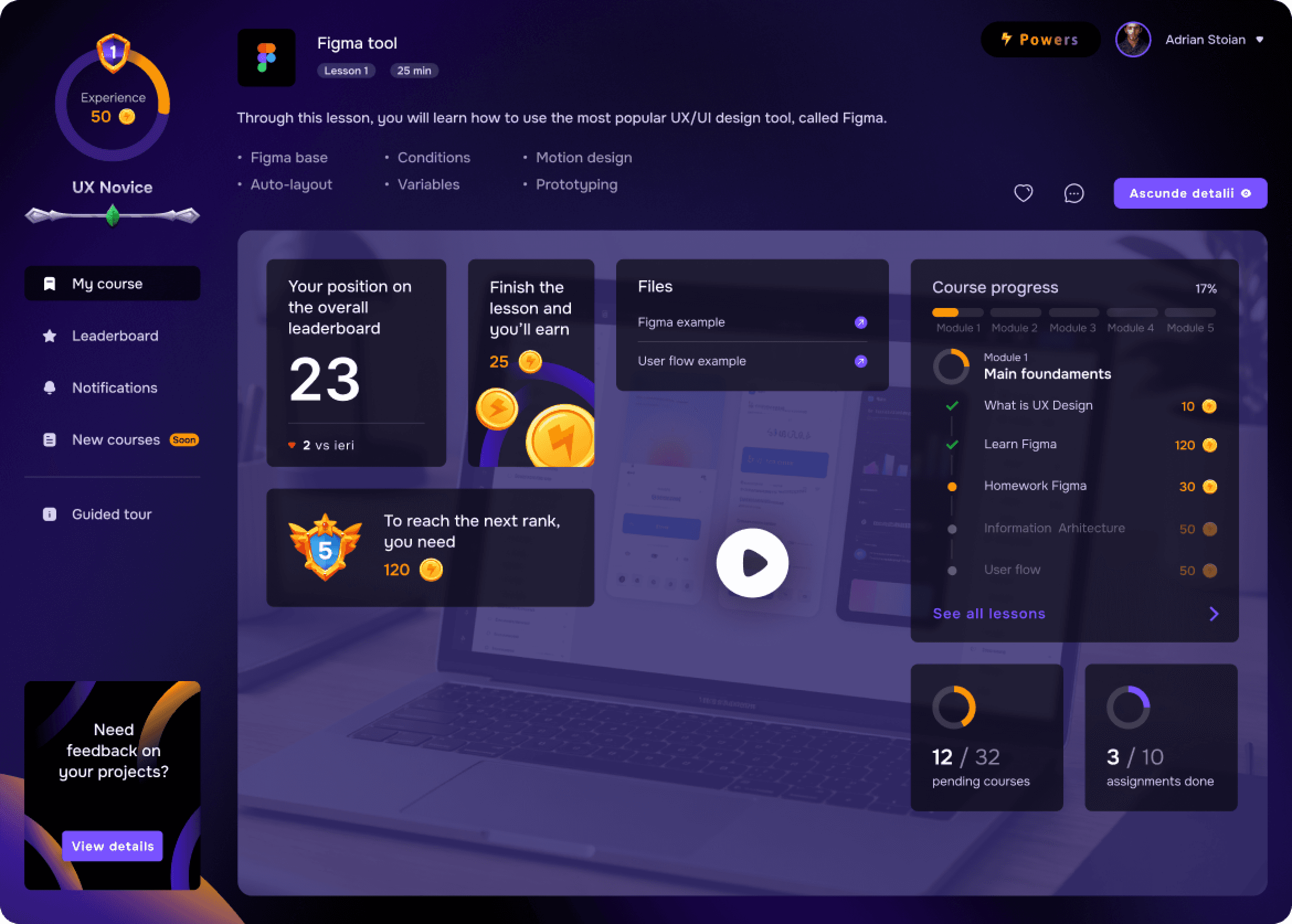


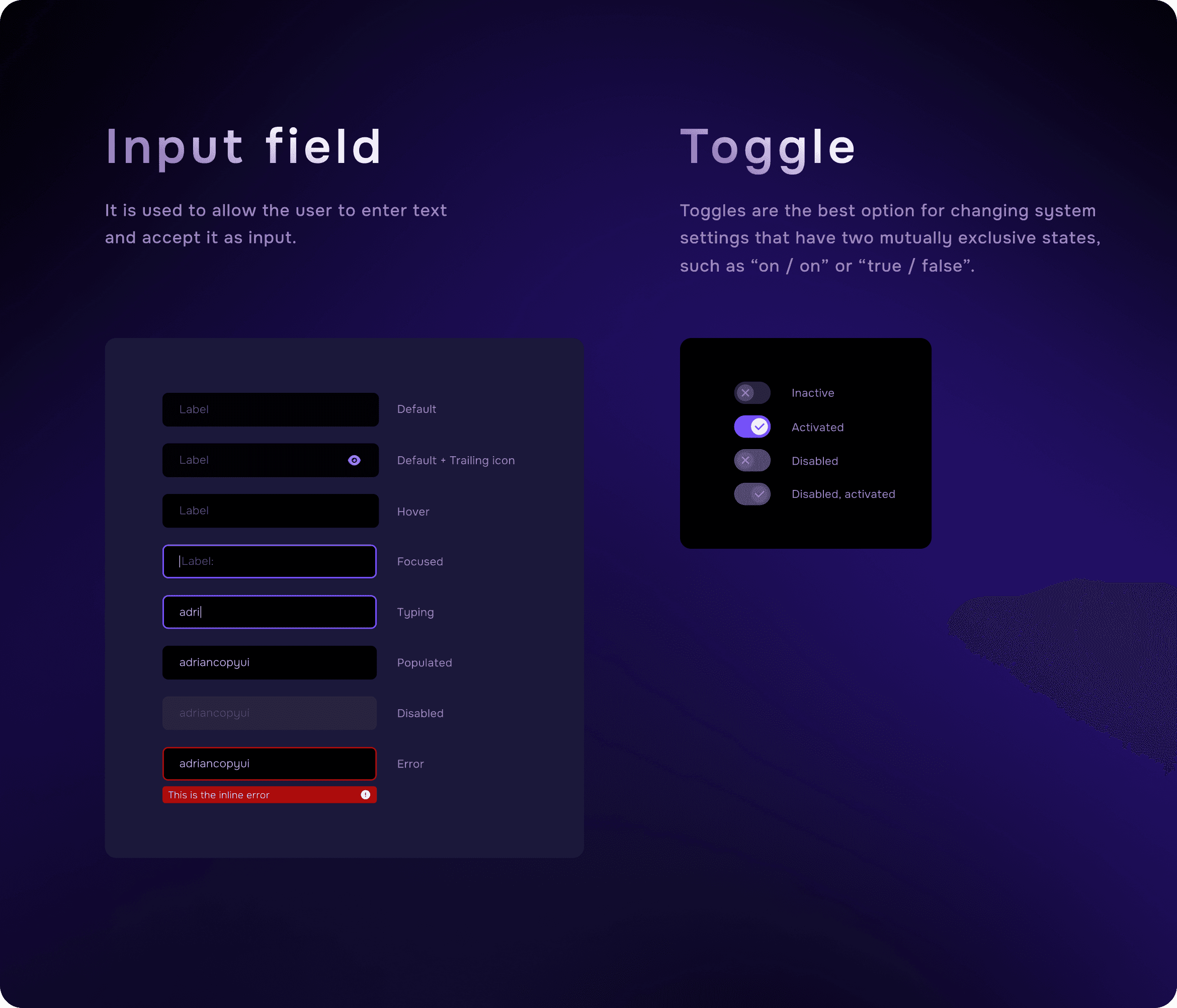
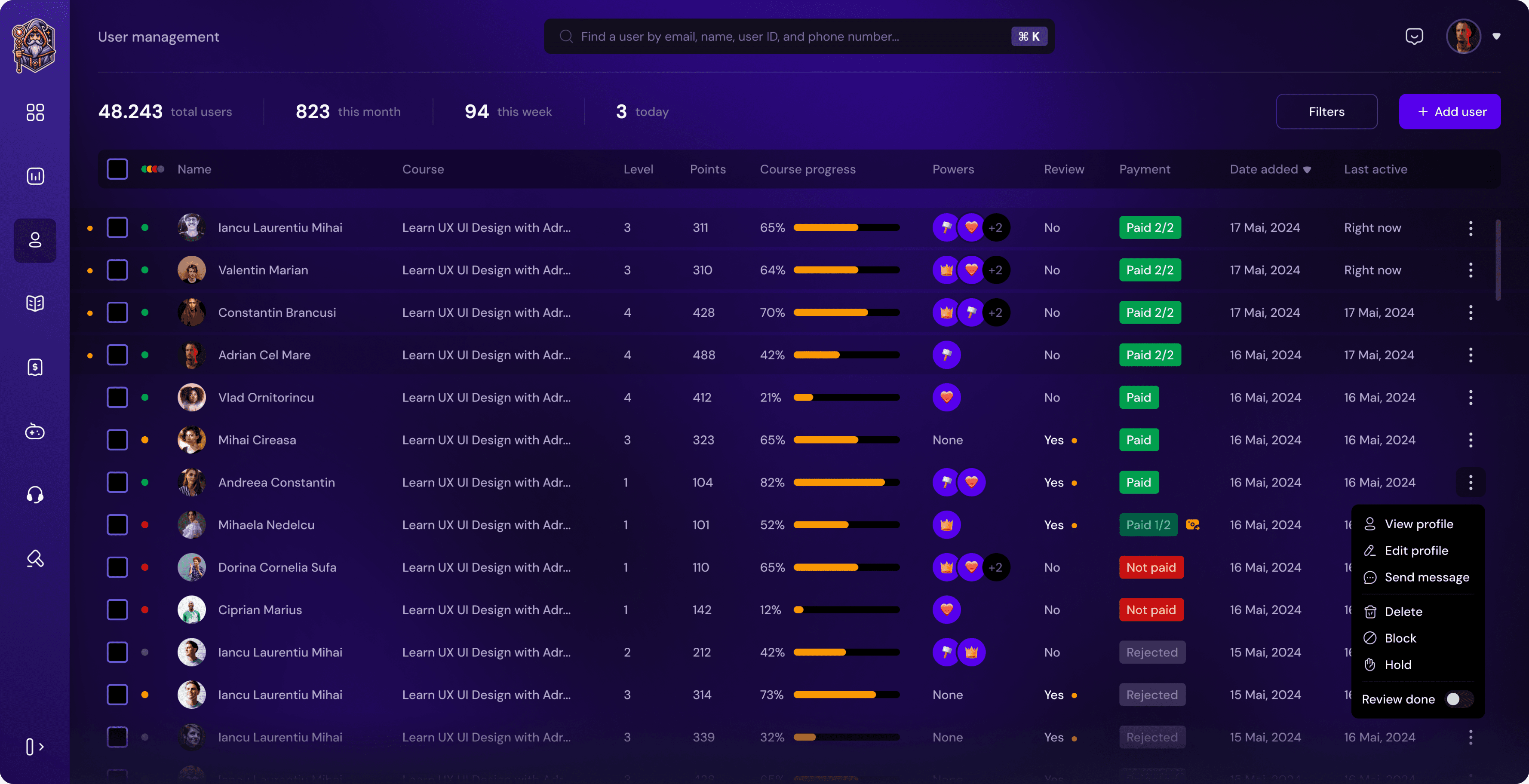
Alongside the student-facing learning platform, a comprehensive administration system was designed to manage the operational side of the product.
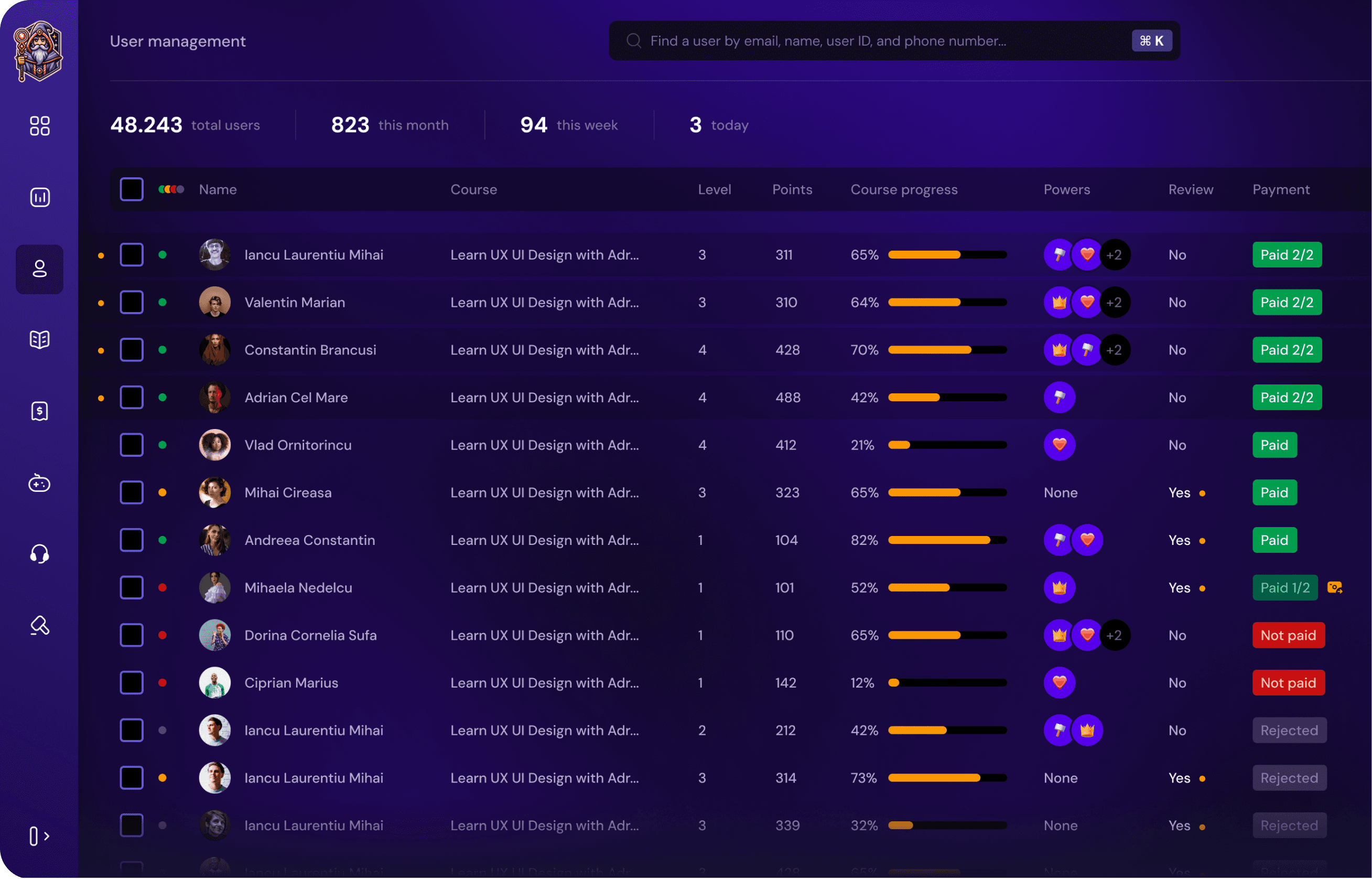
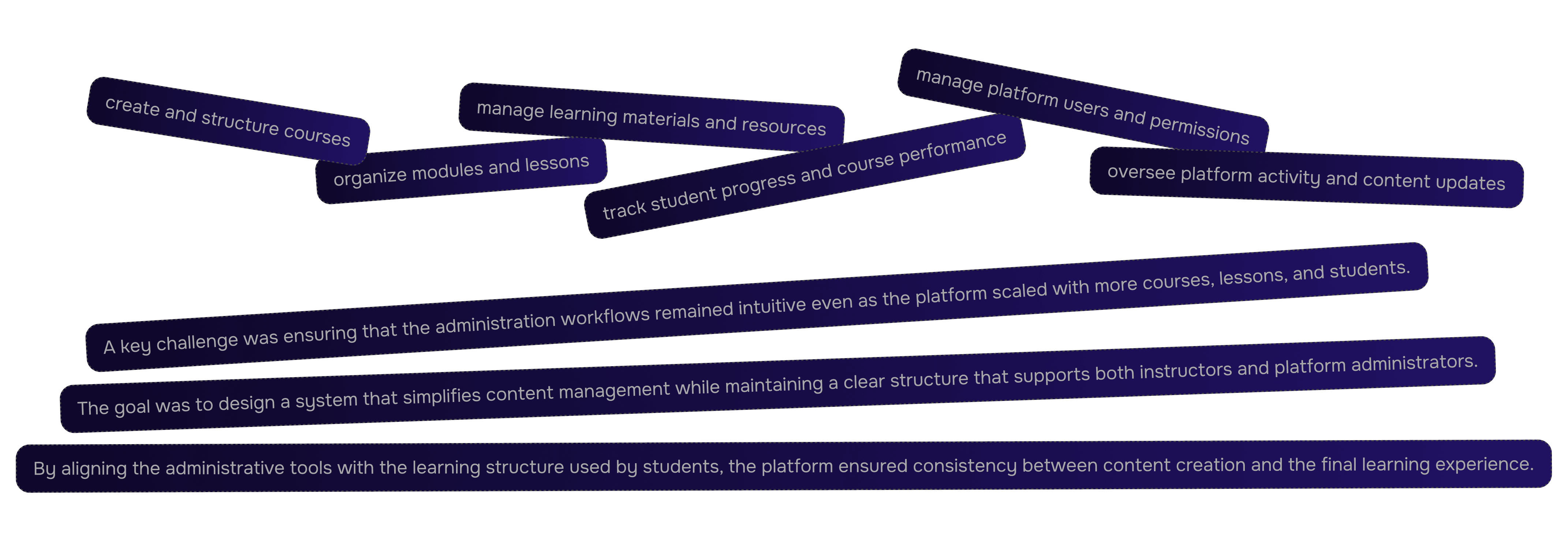
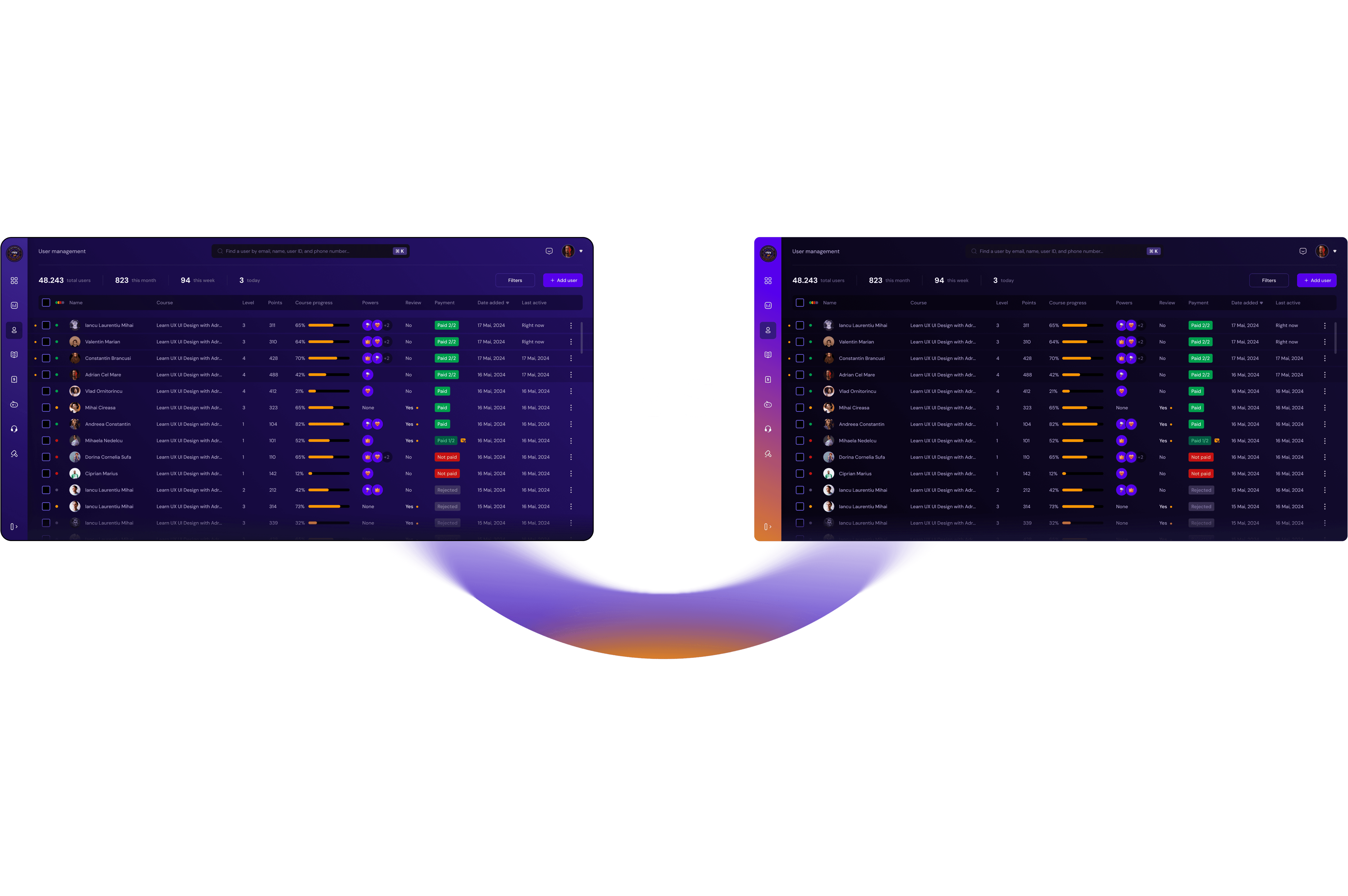
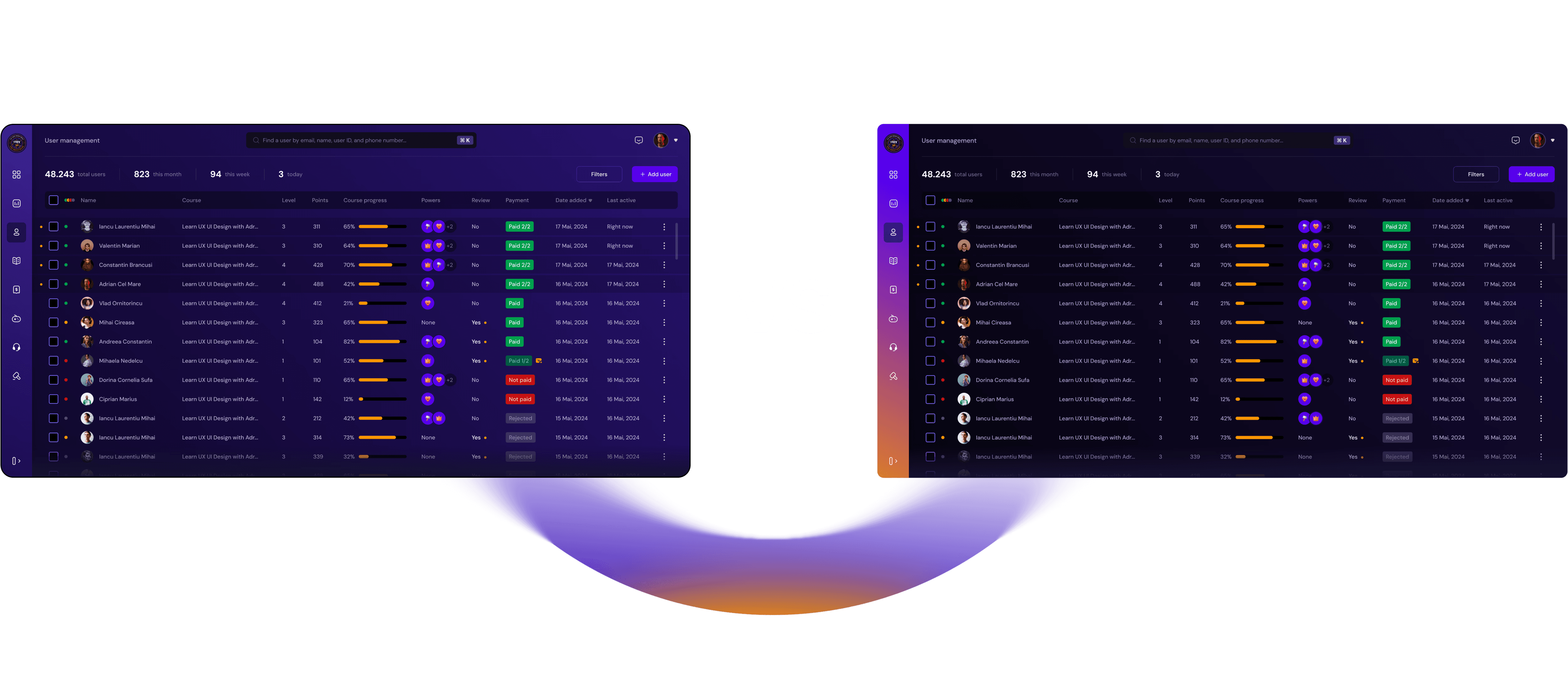
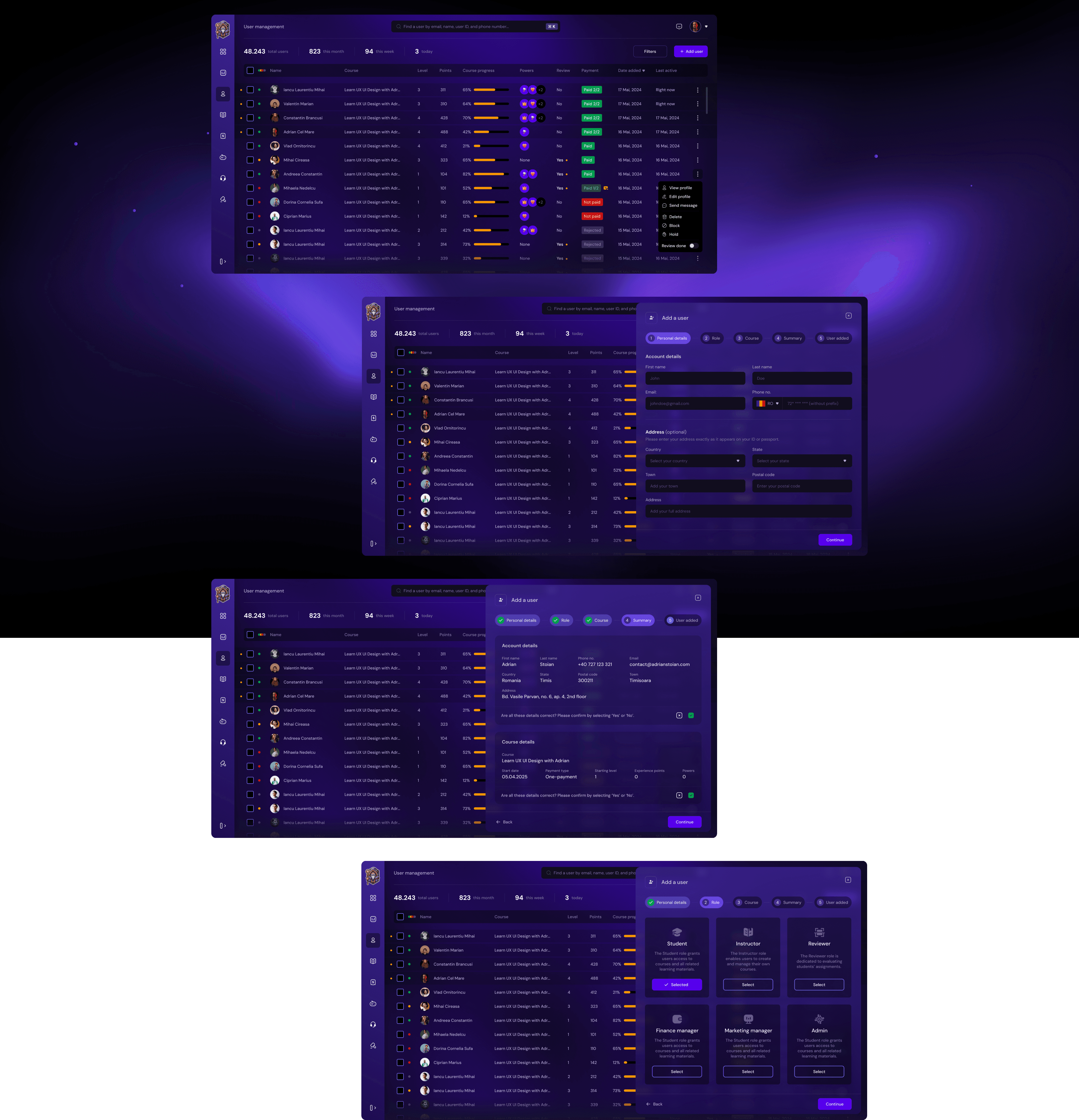
The purpose of the admin interface was to give platform managers full control over the educational ecosystem, allowing them to create and manage courses, organize learning content, monitor student progress, and oversee platform activity.
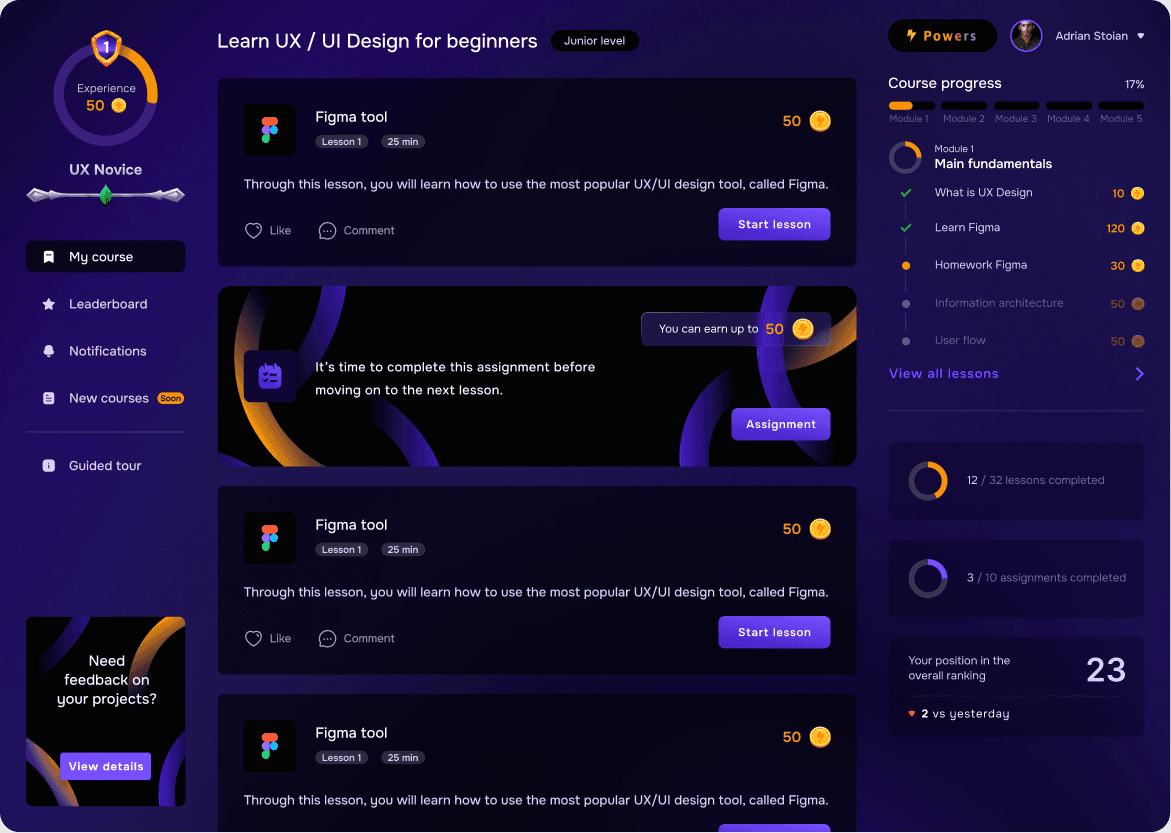
While the student interface focused on delivering a clear and engaging learning experience, the administration system was built to support content scalability and efficient platform management.
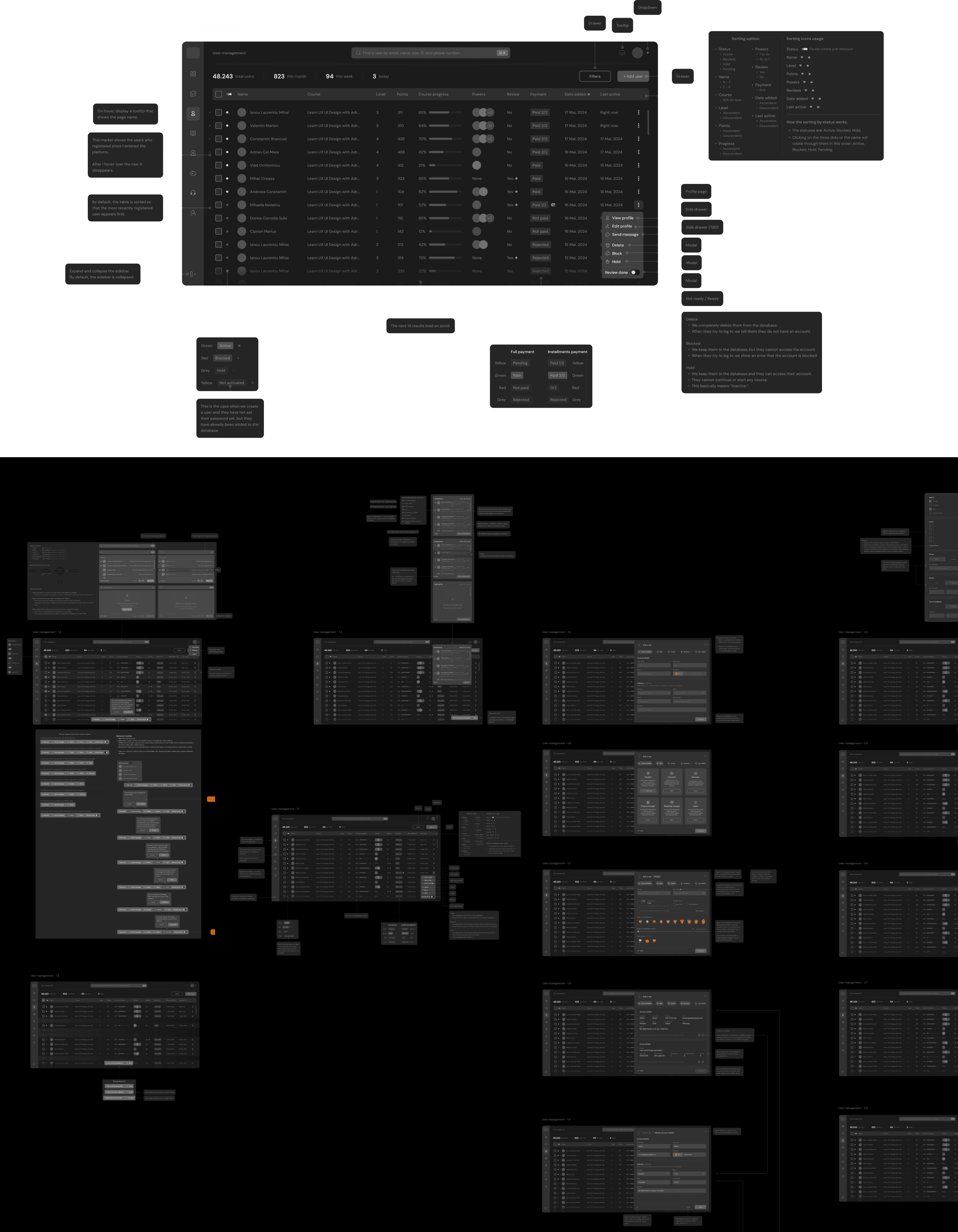
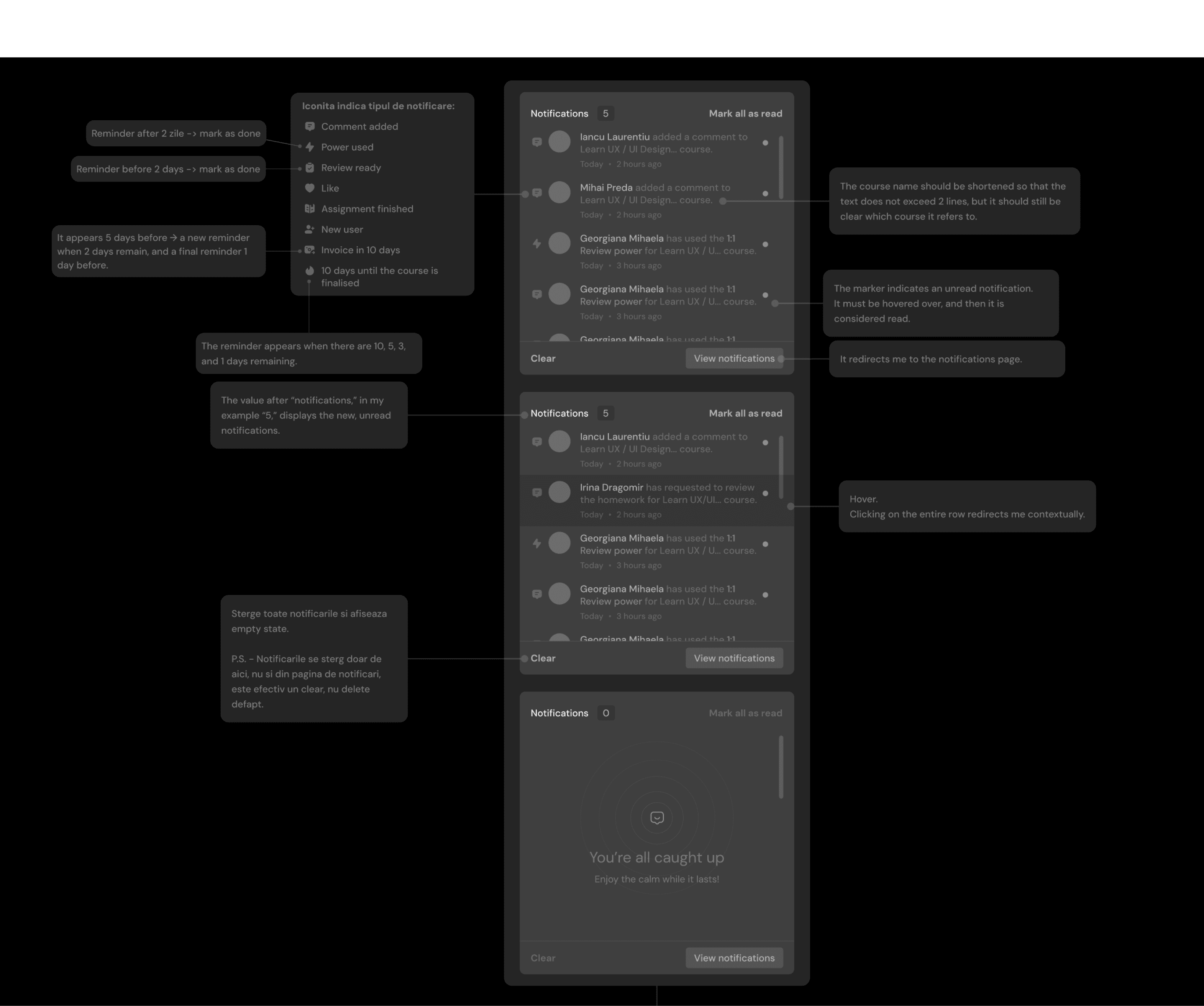
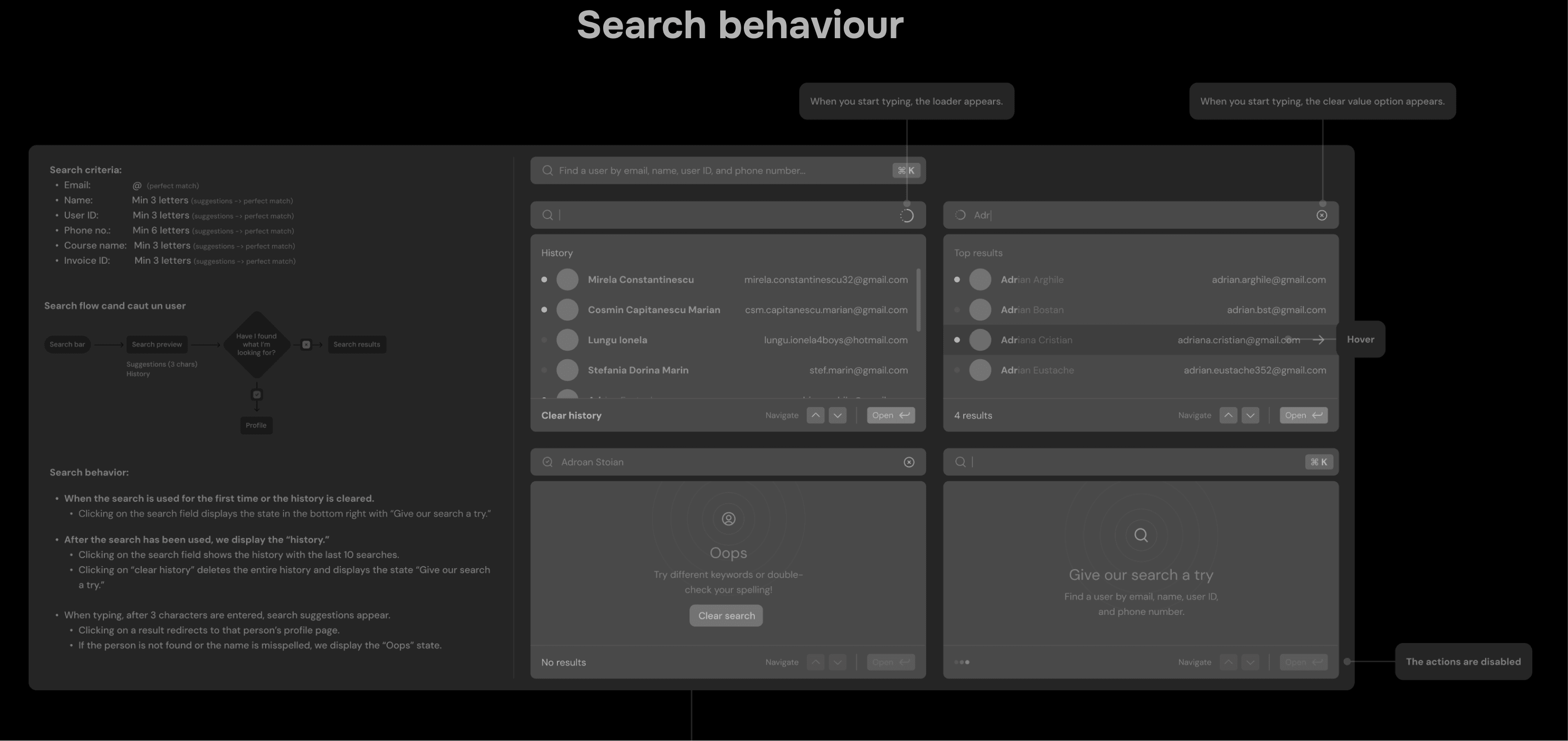
Before moving into visual design, the administration system was first explored through low-fidelity wireframes. The goal of this stage was to validate the functional structure of the platform and ensure that administrative workflows were intuitive and scalable.
Because the administration system handles complex operations such as user management, role assignment, course access control, and platform moderation, it was important to test the interaction logic before introducing visual design elements.

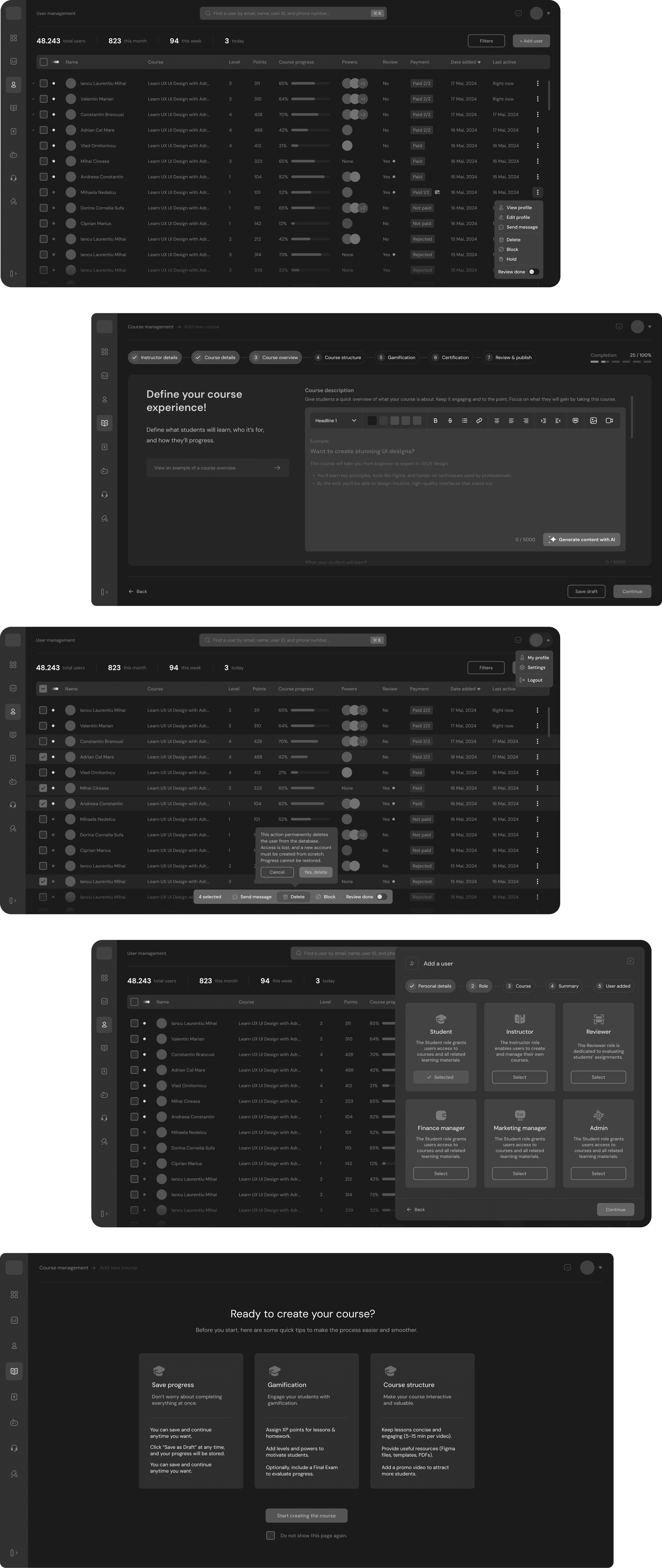

To encourage stakeholders to focus on functionality rather than aesthetics, the wireframes were intentionally presented in a neutral, greyed-out style. This approach reduced visual bias and helped reviewers concentrate on layout, usability, and interaction logic instead of subjective UI preferences such as colors or visual styling.
These wireframes were shared across the organization with product stakeholders, developers, and internal teams to validate how administrators would interact with the system.
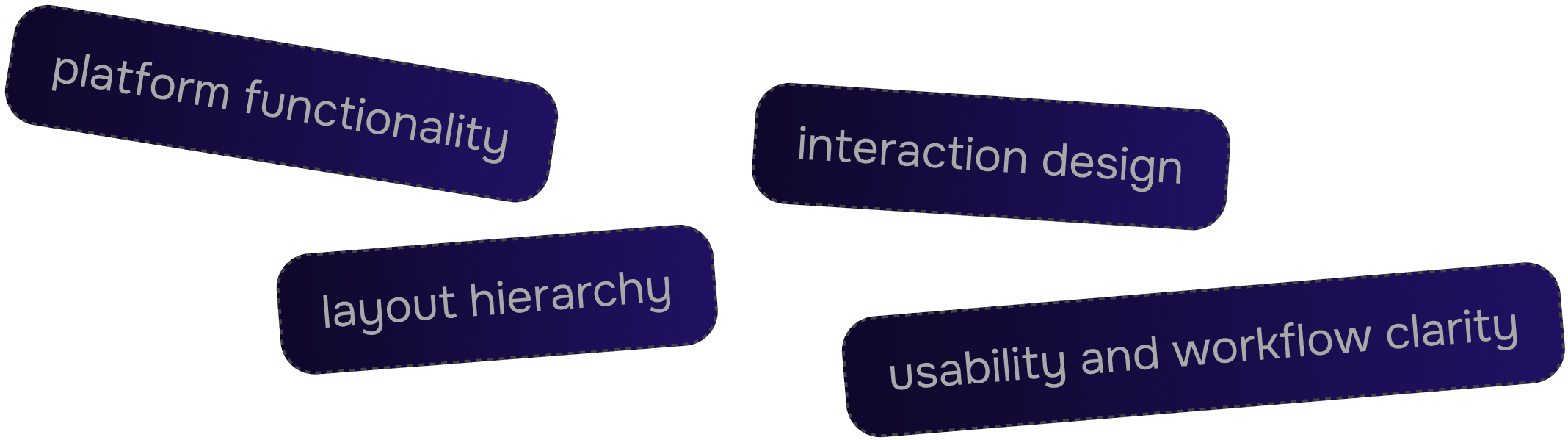
This approach allowed the team to identify potential improvements early and refine the administrative workflows before moving into high-fidelity design.
This process ensured that the admin system remained efficient even when managing large numbers of users and courses.

Hick’s Law

Fitt’s Law

Jakob’s Law

Error prevention

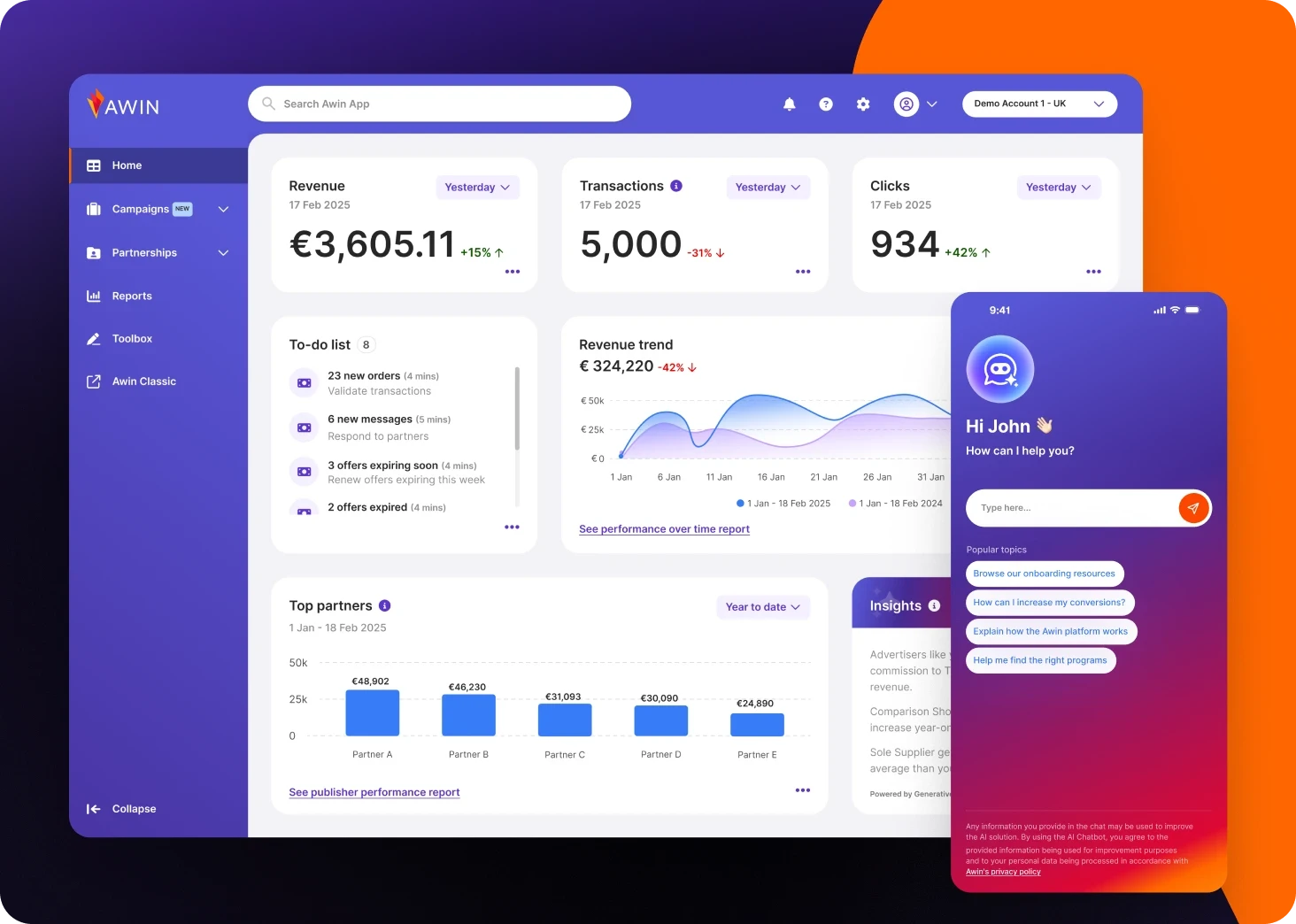
Awin
Enterprise B2B2C SaaS Platform Atomic Design System AI integration
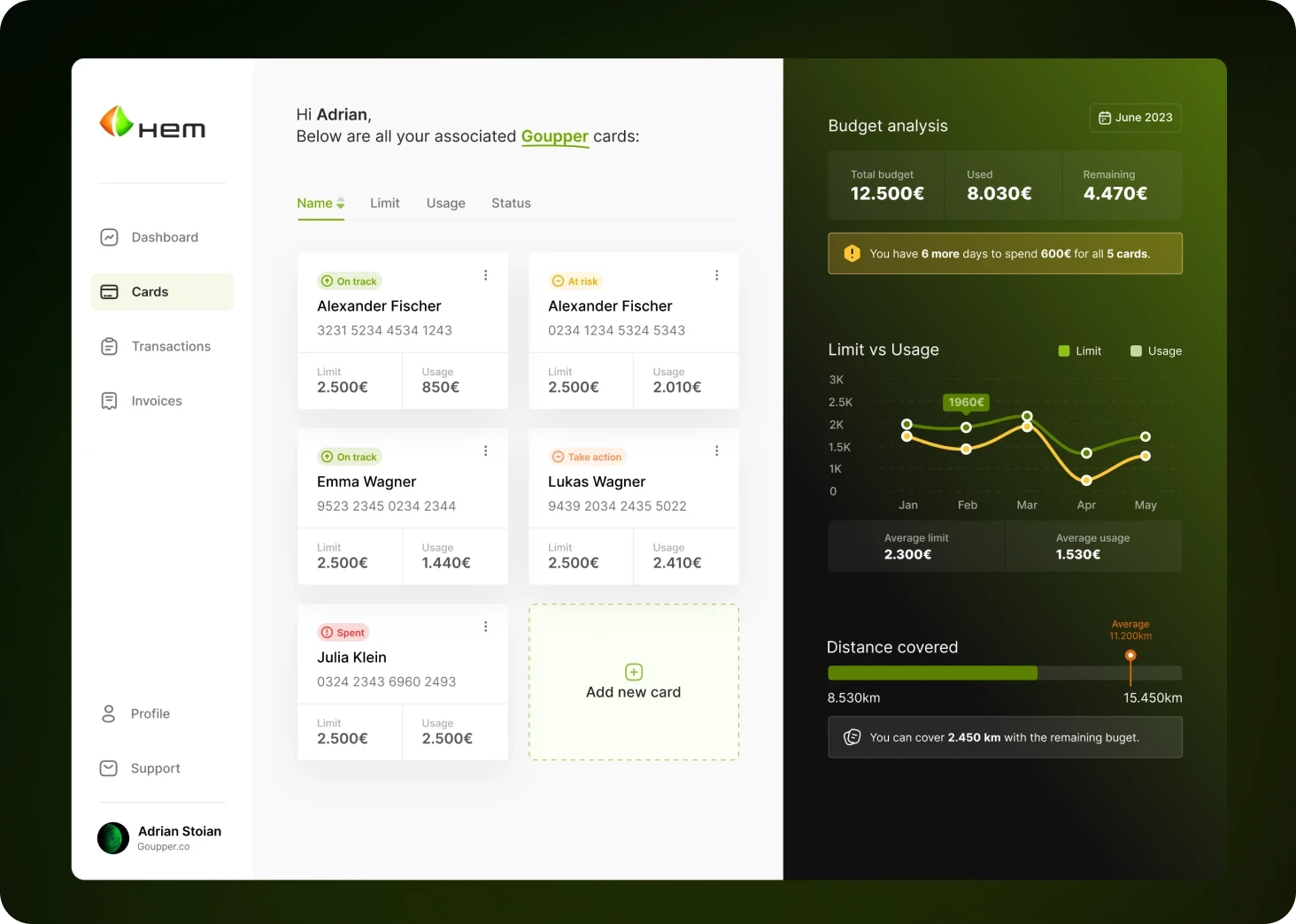
Tamoil
Fleet Management Platform & Fuel Card Dashboard.
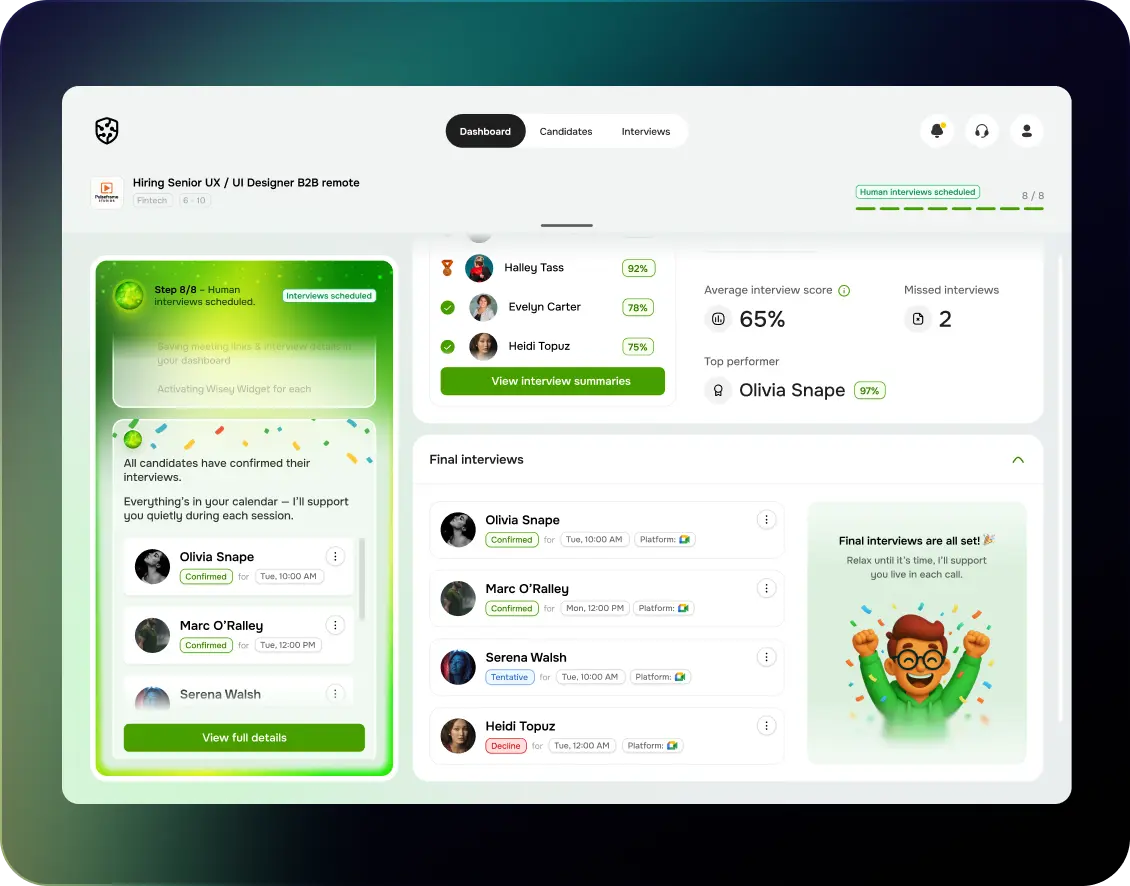
HireWise
AI-powered Recruitment SaaS Platform for Smarter Talent Matching.
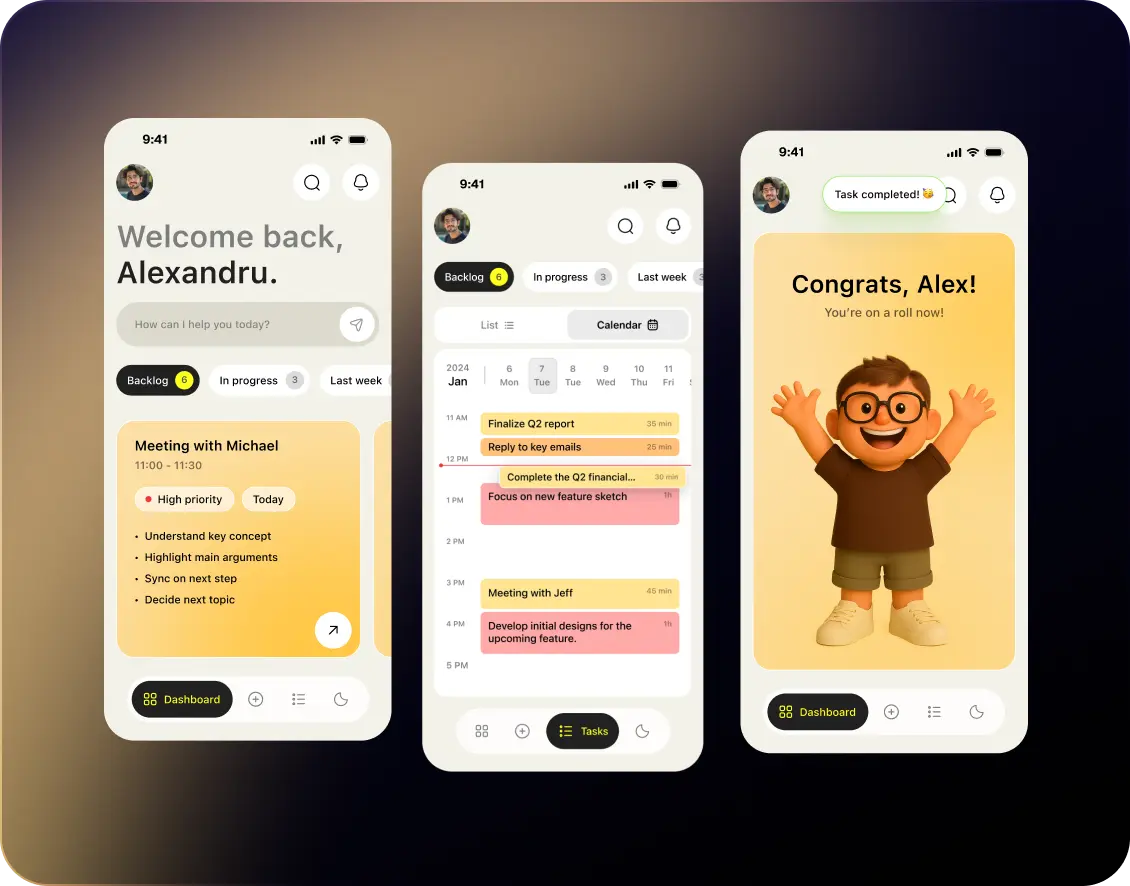
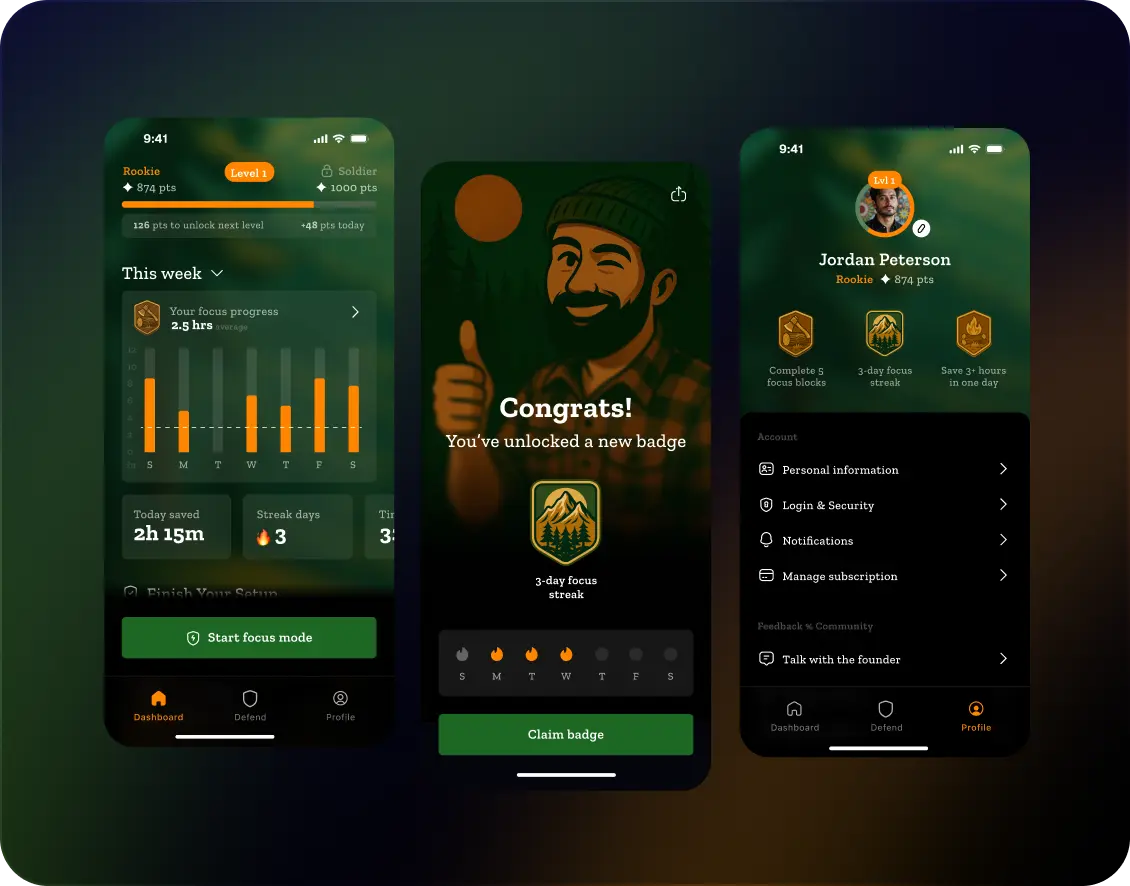
Focus Mate
AI-powered app for focused work and productivity routines.
Unbound
AI-powered app for personal growth and daily self-improvement routines.